
Instagram Live Jewelry Selling: How to Set Up the Perfect Backdrop, Lighting, and Display
Instagram Live Jewelry Selling: How to Set Up the Perfect Backdrop, Lighting, and Display
Set up a professional Instagram Live jewelry selling space — lighting, backdrop, display tools, camera tips, and gear recommendations for sterling silver jewelr
The difference between a $200 live sale and a $2,000 live sale is often not the inventory — it's the presentation. Professional lighting makes gemstones sparkle. A clean backdrop keeps viewers focused on the jewelry. The right display tools show pieces at their best. This guide gives you a complete, actionable setup for Instagram live jewelry selling.
The Single Most Important Element: Lighting
Nothing affects your live jewelry sales more than lighting. Sterling silver gemstone pieces need good light to show their true color, their sparkle, and their quality. Poor lighting flattens everything.
The Ring Light Setup
A ring light is the industry standard for live selling — it creates even, shadow-free illumination directly in line with your camera:
Recommended specifications:
- Size: 18" diameter minimum (smaller rings create harsh shadows)
- Color temperature: Variable 3200K–5600K (warm to cool — most gemstone sellers prefer 5000–5500K for true color rendering)
- Brightness: 3200+ lumens adjustable
Ring light positioning:
- Position the ring light at eye level or slightly above, centered on your face/display area
- Ensure the light is close enough to your product display (18"–24" for gemstone closeups)
Fill Light
A single ring light can create slight shadowing on one side. Adding a secondary fill light (a simple LED panel or softbox) at 45° to the side eliminates all shadows:
- Set the fill light at 50–70% of the main ring light's brightness
- Position it at roughly the same height as the main light
Lighting Specifically for Gemstones
Different gemstone categories respond differently to light:
| Gemstone Type | Best Light for Live Video |
|---|---|
| Opal (fire/Ethiopian) | Slightly warmer light (4500K) to enhance color play |
| Moonstone | Cooler white light (5000K) to show adularescence |
| Labradorite | Any good directional light — movement creates the flash |
| Turquoise | Daylight-balanced (5000–5500K) for true blue-green |
| Amethyst | Neutral to warm light to deepen the purple |
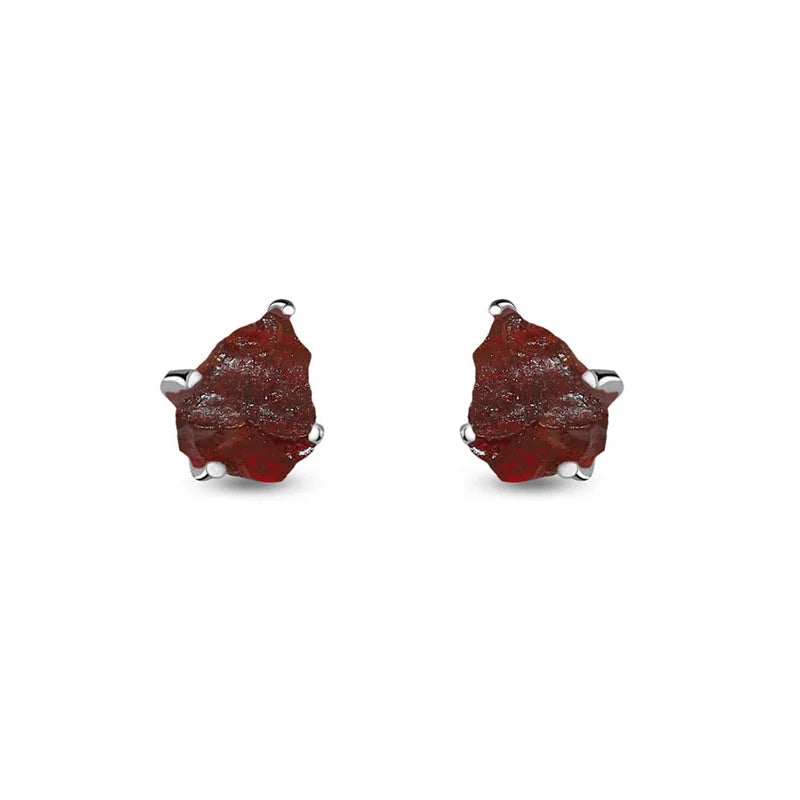
| Clear/faceted (topaz, CZ, garnet) | Bright white light for maximum sparkle |
Backdrops: What Works and What Doesn't
Your backdrop affects viewer focus and perceived brand quality.
Best Backdrop Options
Black velvet (best for gemstone color): Black background makes every gemstone color pop dramatically. Yellow gold looks bright. Turquoise blazes. Amethyst deepens. Black is consistently the highest-performing backdrop for gemstone jewelry live selling.
White or light gray: Clean and professional — good for bright, polished silver pieces. Creates a high-end boutique feel. Less dramatic color enhancement than black.
Natural wood texture: Warm, artisanal feel. Works particularly well for boho-styled inventory (turquoise, labradorite, natural stone pieces). Very popular with the Instagram aesthetic currently trending.
Deep navy or forest green velvet: High-fashion feel. Works especially well for statement pieces and precious stone jewelry.
What to Avoid
- Busy patterns — distract from jewelry
- Bright competing colors — fight with gemstone colors
- Plain white walls — lack brand identity, harsh if overlit
- Cluttered backgrounds — unprofessional, distract viewers
Display Tools: How to Show Every Piece at Its Best
Ring Displays
- Ring cone or ring stick — Holds rings upright; viewers can see the full profile
- Hand display stand — Silicone or fabric hand form; shows rings in wear context
- Velvet ring rolls — For displaying multiple rings at once in overview shots
Necklace and Pendant Displays
- Bust form (T-bar) — Holds necklaces upright for full viewing
- Floating pendant holder — Clear acrylic pendant display arm
- Your own neck — For showing necklaces in wear context during live; very effective for conversion
Earring Displays
- Earring card holders — Flat or slightly angled display cards
- Earring tree — Tiered tree display for showing multiple pairs
- Your own ears — Direct wear demonstration during live sale is highly persuasive
Bracelet and Bangle Displays
- Bracelet bar — Horizontal pole for hanging multiple bangles
- Pillow stand — Small fabric pillow for showcasing statement bracelets
Pro tip: velvet in black, navy, or dark gray makes sterling silver and colored gemstones look best. Avoid white or bright colored display props.
Camera Setup and Technical Quality
Main Camera
Your smartphone is your camera — a modern iPhone or Samsung Galaxy shoots better live video than most dedicated webcams. Use the front-facing camera for your talking head shots and consider a second device for overhead or close-up gemstone shots.
Camera settings:
- Enable the highest video quality your platform supports
- Keep the camera at eye level or slightly above (never below — unflattering and unprofessional)
- Use a tripod or gooseneck stand for stability
Close-Up Capability
The ability to zoom in and show gemstone details is a major conversion driver. Options:
- Clip-on macro lens ($20–$50) — Attaches to your phone for extreme close-up shots
- Second phone on a gooseneck stand — Dedicated close-up camera operated by a helper or positioned for product shots
Internet Connection
Wired is better than Wi-Fi; Wi-Fi is better than cellular. Live stream drops are the single most damaging technical event in a live sale. Invest in a stable connection:
- Use 5GHz Wi-Fi if cellular backup isn't available
- Position your router near your live selling setup
- Test your stream quality before going live
Audio: The Overlooked Factor
Viewers will tolerate slightly lower video quality. They will not tolerate poor audio. Background noise, echo, or muffled sound causes immediate viewer drop-off.
Solutions:
- Lapel microphone (Rode Wireless Go II, DJI Mic, or similar) — Clips to your collar, captures clear voice regardless of distance from camera
- Directional microphone positioned near your setup
- Ring lights with built-in audio — Some ring lights now include integrated directional microphones
Test your audio before every live: listen to 30 seconds of playback before starting.
Complete Setup Checklist
Hardware
- ✅ 18"+ ring light (variable color temperature)
- ✅ Optional: fill light/LED panel
- ✅ Phone tripod or gooseneck stand
- ✅ Optional: second phone for close-ups
- ✅ Lapel or directional microphone
Display
- ✅ Black velvet tray or display mat
- ✅ Ring cones or hand display
- ✅ Pendant/necklace bust or bar
- ✅ Earring display cards or tree
Backdrop
- ✅ Black, white/gray, or wood backdrop
- ✅ Clean, uncluttered background visible on camera
Technical
- ✅ Stable internet connection tested
- ✅ Audio tested (30-second playback check)
- ✅ Camera height and angle confirmed
- ✅ Lighting color temperature set for your inventory
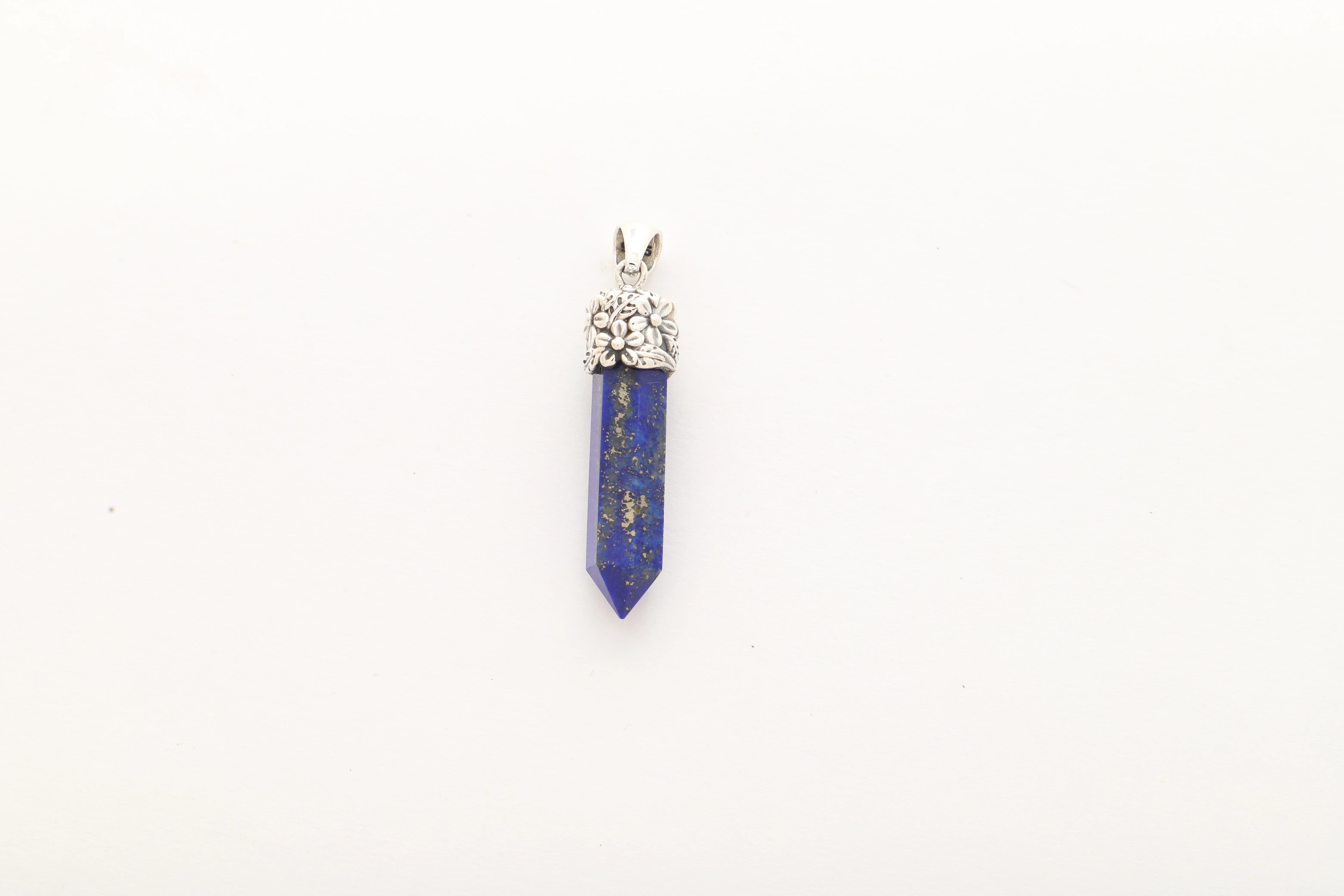
What lighting is best for showing gemstone jewelry on Instagram Live?
A ring light with variable color temperature (adjustable between 3200K–5600K) positioned at eye level is the standard. For most gemstone jewelry, 5000–5500K (daylight-balanced) provides the truest color rendering. Moonstone and fire opal may benefit from slightly warmer light to enhance their visual phenomenon.
What is the best background color for live jewelry selling?
Black velvet is the most effective background for gemstone jewelry — it makes every color pop dramatically and creates a premium visual aesthetic. White or light gray works well for clean, minimalist silver pieces.
How do I show small gemstone details on Instagram Live?
A clip-on macro lens for your smartphone ($20–$50) allows extreme close-ups that reveal gemstone quality and setting detail. Alternatively, a second phone positioned as a dedicated product camera with a helper to manage it gives you professional-level close-up capability.
Do I need professional equipment to sell jewelry on Instagram Live?
No — a modern smartphone, an 18" ring light, and black velvet display materials are sufficient to start. As your sales volume grows, invest in better audio (lapel microphone) and a second close-up camera. Most successful live sellers started with exactly this minimal setup.
How do I make sterling silver jewelry look its best on video?
Use bright white or neutral light (5000–5500K), display against a dark background (black velvet), and keep pieces moving slightly under the light to catch their natural luster. Natural Creations 925's high-polished sterling silver pieces are designed to perform beautifully under video lighting.
Open Your Wholesale Account Today
500+ artisans. In-house lapidary. 100% solar-powered. Same-day shipping on orders before 2 PM PST. Just your business license to get started.